

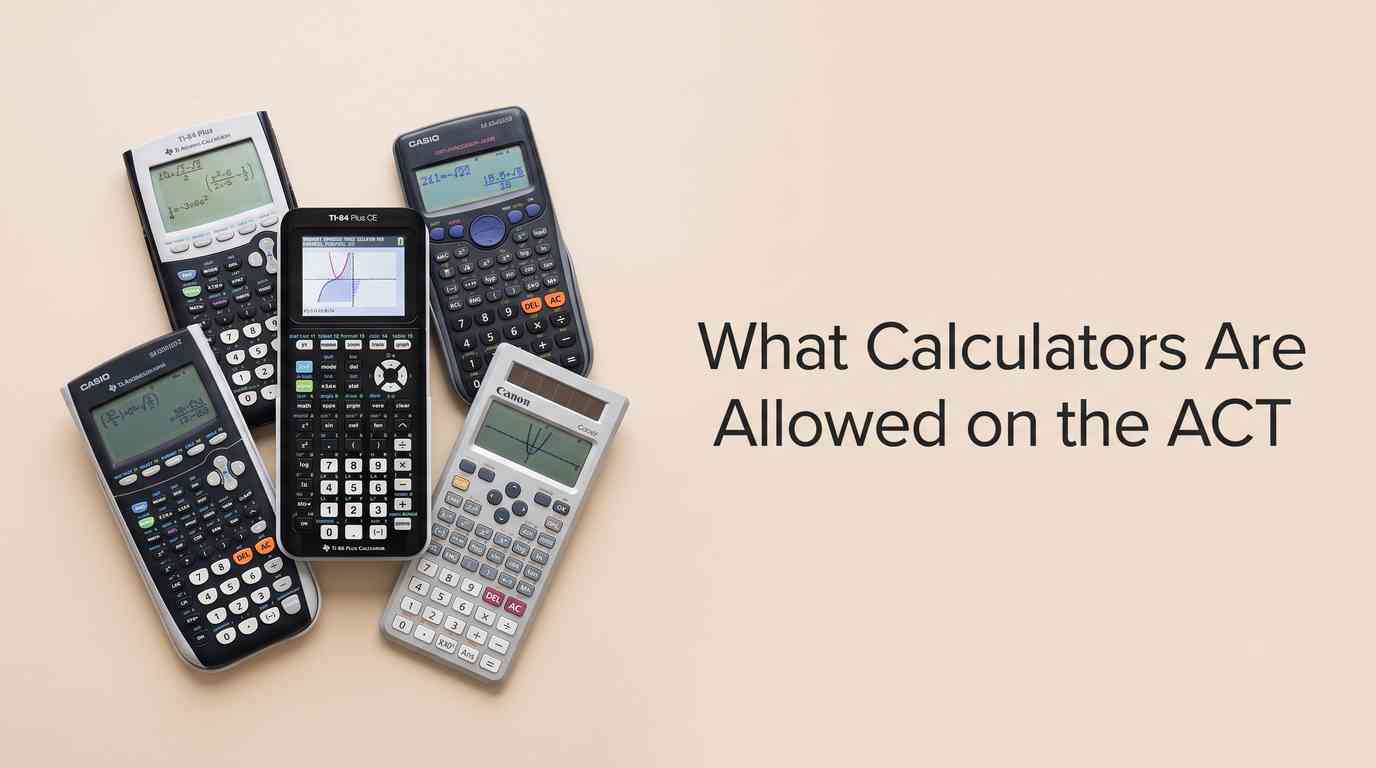
What calculators are allowed on the ACT is governed by a clear official policy: any 4-function, scientific, or graphing calculator is permitted on the Math section only, provided it does not have computer algebra system (CAS) functionality and is not on the prohibited list. You must bring your own calculator; testing staff does not provide them, and all problems can be solved without one.
You’ve been studying hard, and the last thing you want is to arrive on test day only to have your calculator confiscated. The ACT rules exist to keep the test fair. This guide gives you the exact current policy, the models that are safe, the ones that are banned, and a simple checklist so you walk in prepared and confident.
So, before you panic and try to solve every algebra problem by hand, let’s demystify this. We’ll go through the official ACT calculator policy, what models are typically approved, what’s definitely prohibited, and how to make sure your calculator, the one you’ll actually use, is ready for prime time. By the end, you’ll know exactly which handheld companion can join you for the math section of the ACT, making your prep just a little bit smoother.
Key Takeaways
- The ACT has specific calculator policies designed to ensure fairness and prevent unfair advantages during the standardized test.
- Most basic four-function, scientific, and a wide range of graphing calculators, including the popular TI-84 Plus series, are typically approved for the ACT math section.
- Calculators with computer algebra system (CAS) functionality, internet access, or those that make noise are strictly prohibited.
- Students should always consult the official ACT website for the most up-to-date approved and prohibited calculator lists before their test day.
- Thoroughly checking your calculator’s battery life and functionality, along with practicing using it for ACT-style questions, is crucial for success.
The Official ACT Calculator Policy: What You Absolutely Need to Know
The ACT has a very clear calculator policy, and it’s not something you want to guess about. Their goal is pretty simple: allow tools that help with calculations but prohibit anything that could give an unfair advantage, like solving complex equations symbolically without any effort, or accessing outside information. This isn’t just a suggestion; it’s a hard rule that test proctors enforce rigorously on test day. Failing to adhere to it means your calculator will be confiscated, and you’ll have to take the math section without a calculator, which, let me be honest, is a disadvantage for most students.
Here’s the weird part: sometimes a calculator is okay, but certain features within it are not. So it’s not just about the model, but also about the accessories and functions. The ACT’s calculator policy is designed to be comprehensive, covering everything from the most basic calculators to the most advanced graphing calculator models. They want to make sure that the focus remains on your mathematical reasoning and problem-solving skills, not on your calculator’s ability to do the thinking for you. Always check the official ACT website for the latest updates, as policies can sometimes shift. When you’re dealing with vital information like this, knowing how to approach evaluating online source credibility is really important, so you always get the most accurate and current details.
Approved Calculators: Your Permitted Math Partners
Good news! Most standard calculators you’d typically use in a high school mathematics class are perfectly fine for the ACT. The general rule of thumb is that if it’s a four-function calculator, a scientific calculator, or a non-CAS graphing calculator, you’re probably in the clear. These devices are designed to help you with arithmetic, exponents, square roots, and graphing functions, which are all legitimate parts of the ACT math section.
Let’s break down the types you can generally bring:
- Four-Function Calculators: These are the most basic, capable of addition, subtraction, multiplication, and division. They’re definitely allowed, but honestly, for the complexity of the ACT math questions, they’re probably not the best calculator choice unless it’s all you have. You’ll likely spend too much time on basic calculations that a scientific or graphing calculator could handle much faster.
- Scientific Calculators: This is where many students find their sweet spot. Scientific calculators handle more complex functions like trigonometry, logarithms, and scientific notation. Models like the Texas Instruments TI-30 series or Casio FX-CG50 are fantastic examples of approved models that offer a lot of utility without crossing into prohibited territory. They’re powerful enough for most ACT problems.
- Graphing Calculators (Non-CAS): This is the most common type students bring. Many graphing calculators are approved, provided they don’t have certain computer algebra system capabilities. The most popular and widely accepted among these is the TI-84 Plus series, including the TI-84 Plus CE. The TI-83 series is also fine. These calculators can graph equations, perform matrix operations, and handle statistical data, which can be invaluable on the ACT. If you’ve been doing your homework writing and test prep, you probably already have one of these.
Need Help with Your ACT Prep?
Don’t let test anxiety get the best of you. Our expert tutors can provide personalized strategies for the ACT math section and beyond.
It’s crucial to remember that even within approved brands like Texas Instruments, specific models can be prohibited if they have CAS functionality. For instance, while the TI-Nspire CX II (non-CAS version) is generally fine, its cousin, the TI-Nspire CAS, is not. Always double-check the exact model number. Jeff McCalla of OnToCollege, a well-known ACT prep expert, often emphasizes this distinction, reminding students to literally look up their model number on the ACT website’s approved list. It’s better to be overly cautious than to face issues on test day. Many mathematics problems involve concepts like very large numbers, where a good scientific or graphing calculator can genuinely save you time and prevent calculation errors.
Prohibited Calculators: The “Do Not Bring” List
Now for the calculators that are definitely not allowed on the ACT. These are typically devices that either offer too much assistance with algebra or computer algebra, can communicate with other devices, or have internet access. The ACT wants to test your knowledge, not your calculator’s built-in intelligence or your ability to cheat.
Here’s a breakdown of what’s generally on the prohibited list:
- Calculators with Computer Algebra System (CAS) Functionality: This is the big one. Any calculator that can perform symbolic algebra operations, like simplifying expressions, solving equations symbolically, or factoring polynomials, is forbidden. This includes models like the TI-Nspire CAS, the TI-89, TI-92, Voyage 200, and HP Prime. These devices go beyond basic numerical calculations and can essentially “solve” parts of the test for you, which defeats the purpose of the ACT test. They have CAS functionality because they’re designed for advanced university-level mathematics, not for a standardized test.
- Calculators with Wireless Communication or Internet Access: Any calculator that can connect to the internet, send or receive data wirelessly, or has cell phone capabilities is strictly banned. This includes smartwatches, phones with calculator apps, or any handheld device that isn’t solely a calculator.
- Calculators with QWERTY Keyboards: If your calculator has a full QWERTY keyboard (like a computer keyboard), it’s a no-go. This is to prevent students from typing notes or accessing stored information that could give them an unfair advantage. Even if the keyboard is covered or not functional, the presence of one typically makes it a prohibited calculator.
- Calculators with Paper Tape, That Make Noise, or Require Electrical Outlets: These are pretty self-explanatory. The test environment needs to be quiet and distraction-free, and you won’t have access to an electrical outlet. So no old-school printing calculators or anything that plugs in.
- Embedded Calculators: This refers to calculators built into other electronic devices, like a laptop or tablet. While the digital ACT might eventually incorporate a built-in Desmos calculator (more on that later), for the traditional paper-and-pencil ACT, dedicated calculators are the rule.
And here’s a note on modifications: you can’t have calculators with any modifications, such as those that look like cell phones or have suspicious writing on them. Even if you’ve got duct tape or electrician’s tape holding your calculator together, make sure it doesn’t obscure buttons or look like it’s hiding something. The proctors are vigilant about maintaining the integrity of the test.
Preparing Your Calculator for Test Day
Knowing what calculators are allowed is half the battle; the other half is making sure your approved calculator is actually ready. This isn’t just about throwing it in your bag; it’s about making sure it’s optimized for performance and won’t cause any hiccups on the big day.
- Check Batteries: This is probably the most common, and most easily avoidable, issue. A dead calculator battery in the middle of the ACT math section is a huge problem. Either install fresh batteries right before test day or make sure your calculator is fully charged if it’s a rechargeable model like the TI-84 Plus CE. Bring spare batteries if your calculator uses them.
- Clear Memory: While not strictly prohibited if it’s not a CAS functionality, it’s a good practice to clear any stored programs, notes, or data from your calculator’s memory. Some proctors might ask you to do this, and it’s better to be prepared. The ACT’s official calculator policy explicitly states that programs are allowed as long as they don’t have CAS capabilities.
- Practice, Practice, Practice: The best calculator in the world won’t help you if you don’t know how to use it efficiently. Use your calculator during all your practice tests and homework. Understand its functions for scientific notation, graphing, and data interpretation. You need to be able to use the calculator quickly and intuitively, not fumble through menus looking for the square roots function. This familiarity is key to saving time on the actual test. Just like you’d get familiar with different academic sources for a research paper, you need to understand your calculator’s functions.
- Know the Rules (Again!): Take five minutes to re-read the ACT’s calculator policy on their official website. Policies can change. A calculator approved a few years ago might have features that are now restricted. This is especially true with newer models that push the boundaries of what’s considered a simple calculator versus a computer algebra system.
Digital ACT and Built-in Tools (2026 Context)
As education evolves, so do standardized tests. For students taking the ACT in the coming years, particularly around 2026 and beyond, there’s an important shift to be aware of: the advent of the digital ACT. This move aims to modernize the test-taking experience and potentially standardize some tools. One significant change here is the inclusion of a built-in calculator for the math section. This isn’t just any basic calculator; the ACT has announced that the digital version will feature a built-in Desmos calculator.
Desmos is a fantastic online graphing calculator that many students are already familiar with. It’s powerful, intuitive, and visually oriented, making it great for graphing functions, exploring data, and solving equations. The inclusion of a built-in Desmos graphing calculator means that for the digital ACT, you won’t need to bring your own physical calculator. It will be provided as part of the testing software. This is a game-changer because it eliminates all the anxiety about what calculators are allowed on the ACT in a physical sense. You no longer have to worry about your TI calculator, whether it’s a TI-84 Plus or a TI-Nspire (non-CAS), getting confiscated.
However, this also means you need to get familiar with Desmos before test day. Just like you practice with your handheld calculator, you should practice with the Desmos platform. The ACT offers practice materials that incorporate the built-in Desmos calculator, allowing you to get accustomed to its interface and functionality. Knowing how to use the calculator effectively, whether handheld or built-in, is always a crucial calculator tip. This shift is part of a broader trend, with the College Board also making changes to the digital SAT, where a built-in graphing calculator is also standard. This helps level the playing field, as every student will have access to the exact same calculator tools.
Struggling with Complex Math Concepts?
Our expert tutors can clarify tough topics, improve your problem-solving skills, and boost your confidence for the ACT math section.
ACT Calculator Tips for the Math Section
Beyond simply knowing what calculators are allowed on the ACT, there are strategies for actually using your calculator effectively to maximize your score on the math section. The ACT math section isn’t just about calculation; it’s about strategic thinking. Sometimes a problem is solved without a calculator, or sometimes it’s faster to do it by hand. Here’s how to approach it:
- Don’t Use It for Every Problem: Seriously. Some problems are designed to be solved mentally or with quick scratch work. Using your calculator for every single addition or subtraction can actually slow you down. Develop a sense of when it’s genuinely useful – often for large number calculations, square roots, complex fractions, or graphing.
- Check Your Work: Use your calculator to double-check your arithmetic, especially on multi-step problems. It’s an excellent way to catch silly errors that can cost you valuable points.
- Graphing Functions: For problems involving functions, inequalities, or systems of equations, your graphing calculator can be a huge asset. Plotting the graph can often reveal the solution more quickly than algebraic manipulation alone. This is where models like the TI-84 Plus series shine.
- Statistical Data: If you encounter problems with data sets, averages, or standard deviation, a scientific or graphing calculator can perform these calculations much faster and more accurately than by hand. Just make sure you understand what the data represents.
- Time Management: Since some ACT math questions are designed to be solved without a calculator, or are faster without one, recognize when to switch between mental math, paper-and-pencil, and calculator use. Efficient calculator use is a significant part of good time management on the ACT test.
- Accessibility: The ACT also has provisions for accessible calculators, which are specialized devices for students with documented disabilities. If you require such an accommodation, make sure it’s pre-approved by ACT before test day.
Remember, the goal isn’t to rely solely on the calculator, but to use it as a powerful tool in your arsenal, allowing you to focus your mental energy on the conceptual challenges of the mathematics. Think of it as an assistant, not a replacement for your own brain power in algebra and data interpretation.
Common Questions About Calculators on the ACT
Here are some frequently asked questions about the ACT calculator policy that students often have, often typed directly into search engines, hoping for a quick answer.
The Real Ending, I Guess
Look, preparing for the ACT is enough of a beast without adding calculator confusion to the mix. The bottom line is simple: do your homework before test day. Find out exactly what calculators are allowed on the ACT, make sure yours fits the bill, charge it, clear its memory, and then practice with it until you can use it in your sleep. This isn’t rocket science, but it is a crucial detail that can impact your score. You’ve put in the time studying algebra, geometry, and data interpretation; don’t let a technicality trip you up. The goal here isn’t just to get through the test, it’s to perform your best so you can open doors to the next chapter, whether that’s to your dream university or a specific career path. Every little bit of preparedness helps, so don’t skip this step. Now go forth and conquer that math section!
ACT Calculator Policy FAQs

With a passion for education and student empowerment, I create blog content that speaks directly to the needs and interests of students. From study hacks and productivity tips to career exploration and personal development